Little Caesars App & Pizza Portal Pickup: 2026 Ultimate Guide
Master the Little Caesars App & Pizza Portal Pickup in 2026. Skip the line, cancel orders, and unlock exclusive digital deals. Your complete how-to guide.
In 2026, waiting in line for pizza is officially a thing of the past. The Little Caesars App and its groundbreaking Pizza Portal® Pickup system have completely revolutionized how we get our favorite HOT-N-READY pizzas. Whether you are looking for the fastest way to feed a hungry family or hunting for app-exclusive discounts, mastering this technology is essential.
Quick Answer: What is the Little Caesars Pizza Portal?
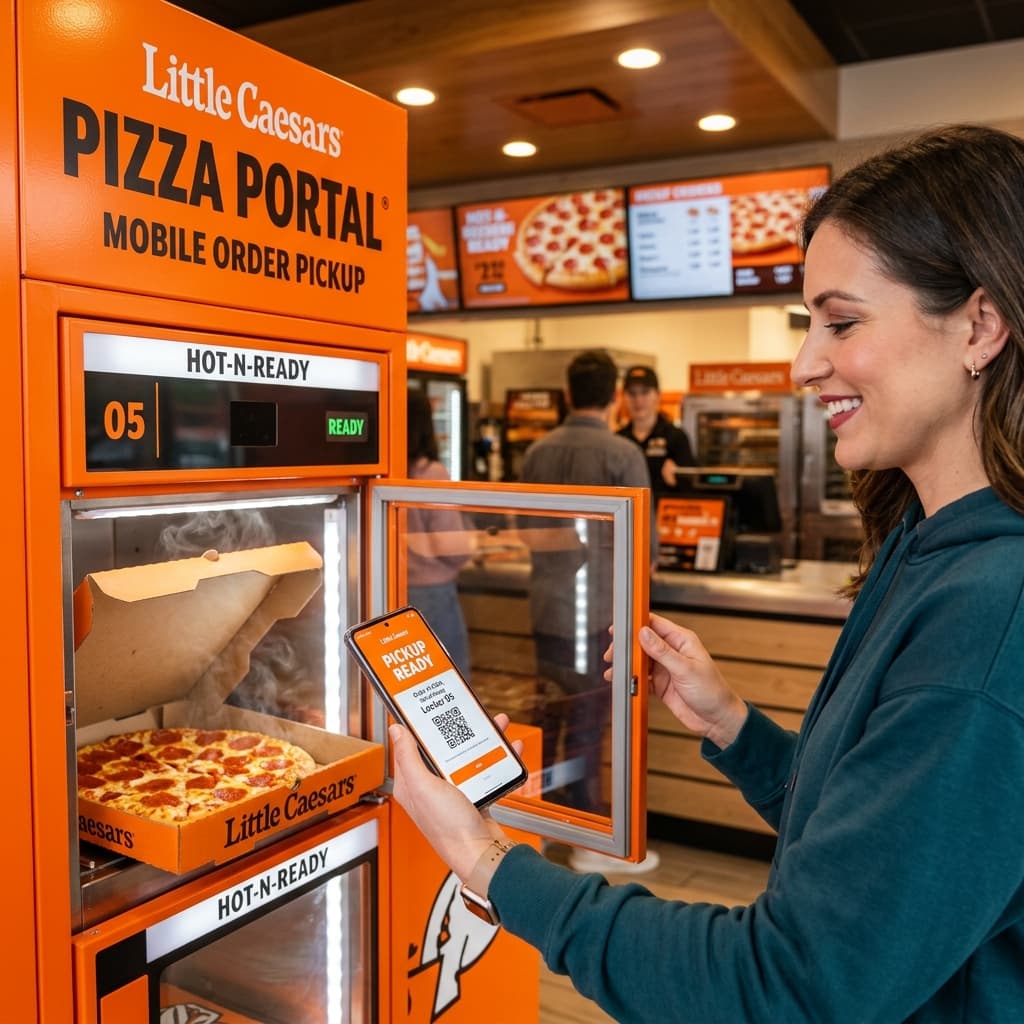
The Pizza Portal Pickup is a heated, self-service locker located inside Little Caesars stores. Customers order and pay via the Little Caesars app. When they arrive, they bypass the counter, scan their app's QR code (or enter a 3-digit PIN), and the portal door automatically opens to reveal their hot, freshly made order.
1. Why You Must Download the App
While walking in and ordering a classic ExtraMostBestest® is always an option, using the mobile application grants you access to perks you won't get at the register. The app allows for deep customization—from selecting your bake preference to designing half-and-half pizzas seamlessly.
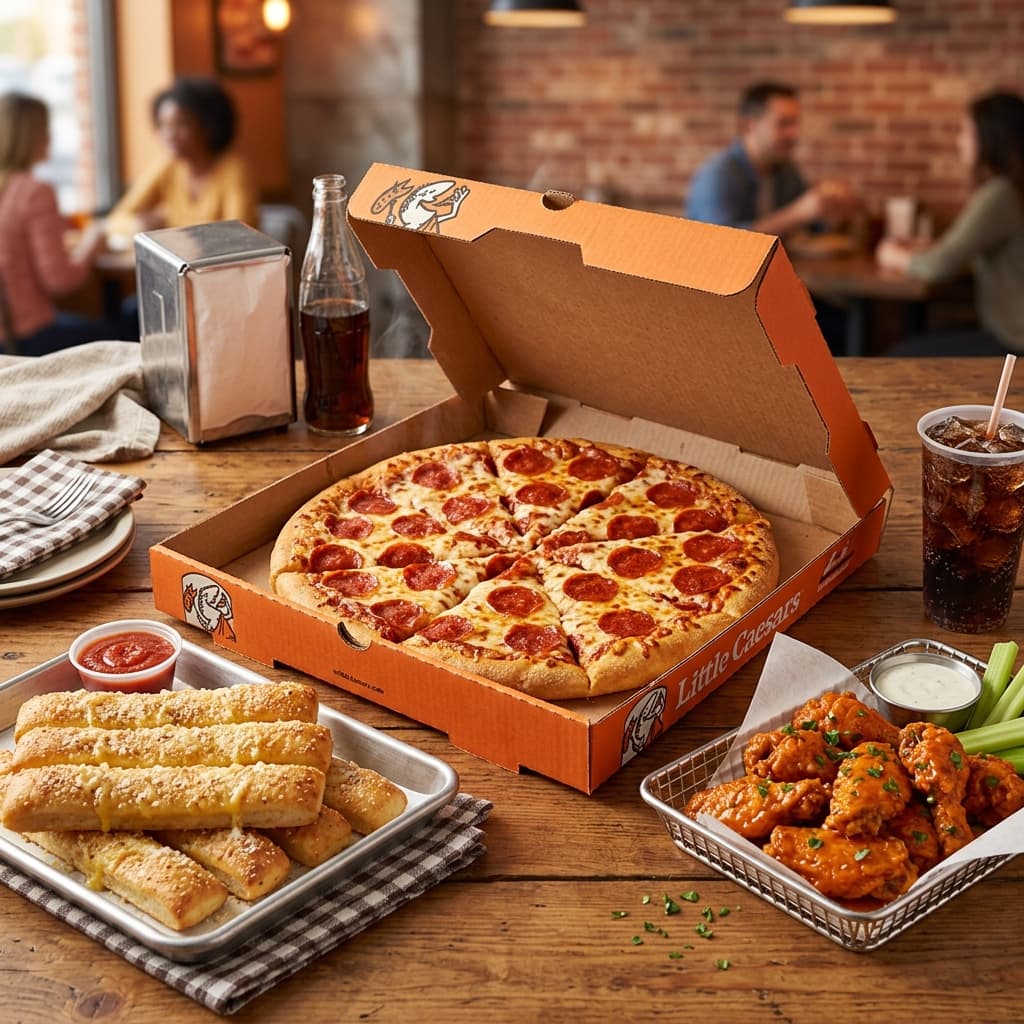
Furthermore, app users routinely receive "App-Only Deals," such as a free Crazy Bread code or discounts on delivery. If you are searching for the best pizza deals near you, the app acts as your ultimate digital wallet.
Important Note on Order Cancellations
How to cancel a Little Caesars order: You can only cancel an order via the app before the store starts preparing it. Once the tracker shifts to "Baking," the cancel button disappears. At that point, you must call your local store directly to request a refund.
2. How to Use Pizza Portal Pickup
Using the portal is an incredibly satisfying, futuristic experience. Follow these five simple steps to grab your food with zero human interaction:
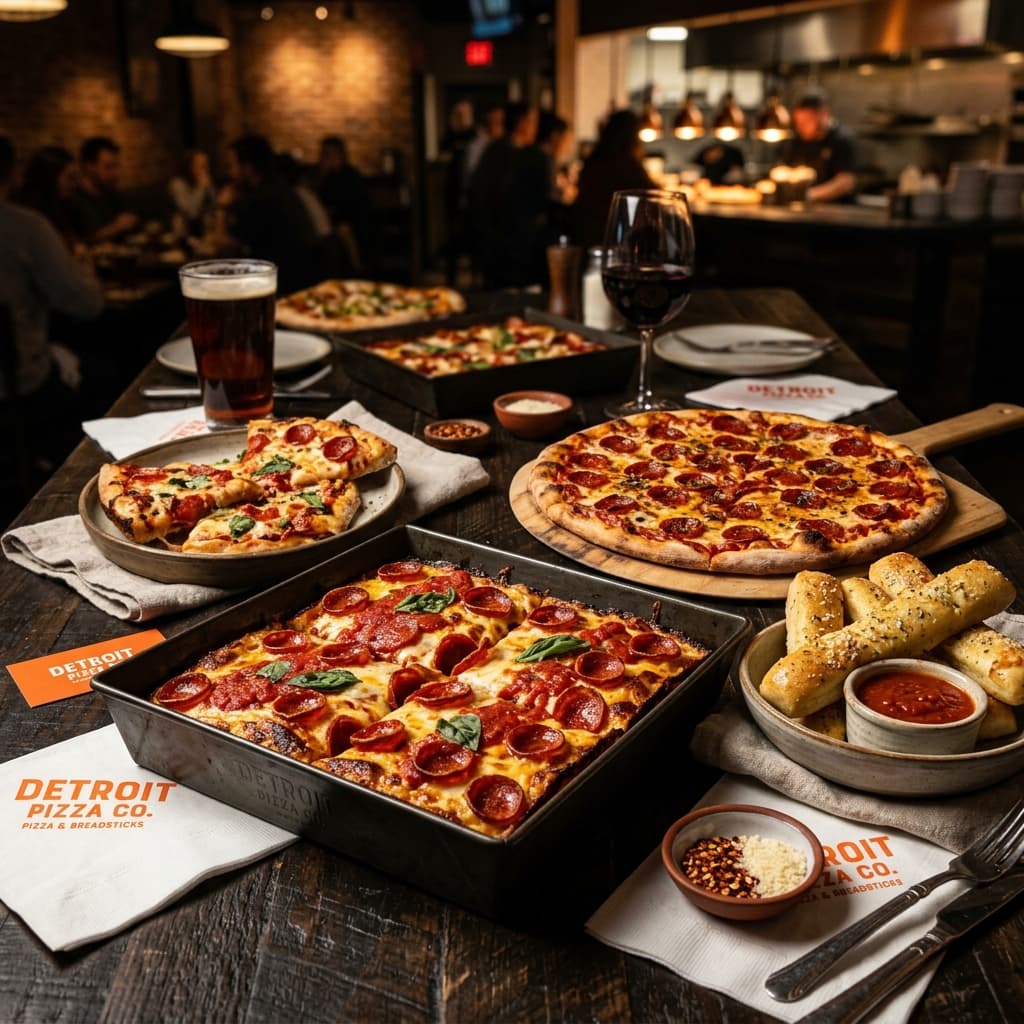
- Build Your Order: Open the app, select "Pickup," and add your favorite items like the Detroit-Style Deep Dish to your cart.
- Pay Securely: Complete your payment using a credit card or Apple Pay directly within the app.
- Wait for the Ping: The app's live tracker will notify you the exact moment your pizza is placed into the heated locker.
- Walk In & Scan: Walk right past the line to the bright orange Pizza Portal. Hold your phone's QR code up to the scanner.
- Grab & Go: Your designated locker door will swing open. Grab your steaming hot food and enjoy!
3. Most Popular App Orders
Looking to maximize your app experience? Here are some of the most frequently ordered items nationwide in 2026, complete with pricing and nutritional information.
Crazy Puffs™ (Pepperoni) — $3.99
Four handheld pizza pastries filled with cheese, pepperoni, and pizza sauce, finished with a buttery-garlic flavor sprinkle. Perfect for quick pickup.
Nutritional Info: 800 Calories per order. Allergens: Contains Wheat, Milk, and Soy (Note: Not Gluten-Free).
4. Digital Menu Prices Comparison (2026)
Using the app ensures you are paying the correct local prices. Here is a quick snapshot of what you can expect when ordering digitally vs relying on third-party delivery services.
| Menu Item | App Pickup Price | Third-Party Delivery Avg. |
|---|---|---|
| HOT-N-READY Pepperoni | $5.55 - $6.99 | $8.49 + Fees |
| Detroit-Style Deep Dish | $8.00 | $11.50 + Fees |
| Crazy Bread (8-piece) | $3.99 | $4.99 + Fees |
5. Conclusion: Is the App Worth It?
Without a doubt, yes. If there is a Little Caesars near your location, ordering through the mobile app and utilizing the Pizza Portal Pickup is the smartest strategy in 2026. Not only does it protect you from the hidden markups of third-party delivery apps like DoorDash, but it also provides a seamless, VIP-like experience when you walk into the store.
Skip the lines, lock in exclusive discounts, and ensure your custom pizza is steaming hot in its private locker waiting exclusively for you. Download the app today and elevate your pizza night.